

Before you start
You need:- A mobile phone number, for online registration. Desk registration works without one.
- Your NIN, if you have it. It is optional.
Steps
Online, on your own phone
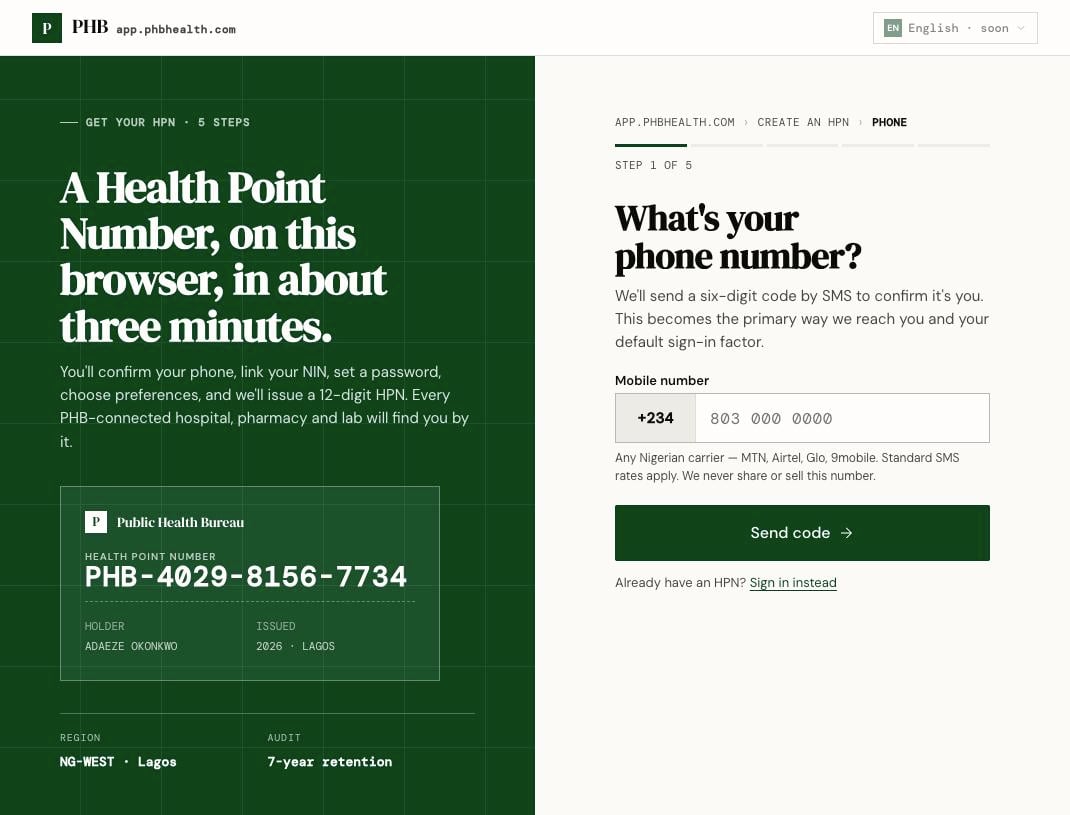
Step 1 of 5 at /register: your phone number. The sample card on the left is decoration, not a real person.
1
Open /register
Or click Create an HPN on
/login.2
Enter your phone number
Type your Mobile number and click Send code. Enter the code PHB texts you, then Verify & continue.
3
Identity
Enter your NIN if you have one. If you don’t, or it can’t be checked, you carry on with a provisional HPN.
4
Set a password
Choose a password and confirm it.
5
Set your preferences
Choose your Preferred language, State and Local Government Area. Accept the privacy notice and terms.
6
Create your HPN
Click Create my HPN. Your Health Point Number is shown. Write it down.
By USSD, on any phone
Dial*347*731# and follow the menu to register. You get a provisional HPN and a welcome SMS. No smartphone or data is needed. See Using USSD.
At a hospital front desk
A receptionist registers you at/hospital/desk/register. You read back a code sent to your phone. If you have no phone with you, they create a provisional record. See Register a patient.
At a pharmacy counter
A pharmacy on PHB can register you at the counter. See Register a patient at the counter.What you can do next
- Clear the yellow provisional banner on Home by clicking Verify NIN, when NIN checks are available.
- Add a passkey from the card on Home.
- Book care, add family, top up your wallet.