

/login. There are three ways in. Use whichever is easiest.
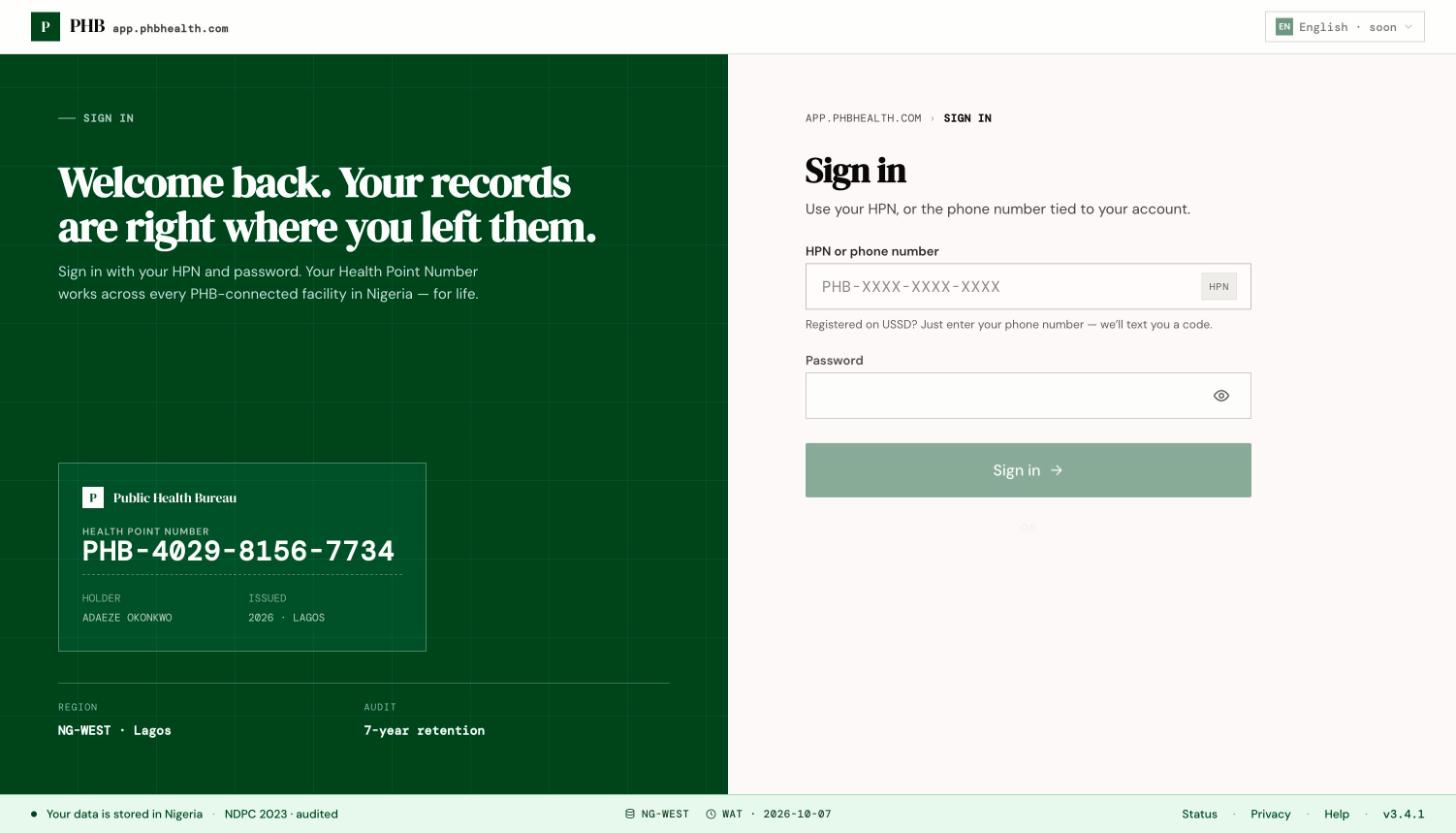
The patient sign-in page at /login. The sample card on the left is decoration, not a real person.
Before you start
You need a PHB account. If you don’t have one, see Register as a patient.Steps
With your phone number
1
Type your phone number
On
/login, type the mobile number tied to your account and click Send code.2
Enter the code
PHB texts you a code. Type it in. SMS can take a minute to arrive.
3
You're in
You land on Home (
/home).With your HPN and password
1
Type your HPN
Type your HPN in the same box. The dashes are added for you.
2
Type your password
Enter the password you set, then click Sign in.
With a passkey
Click Use a passkey on this device. Your phone or computer asks for your fingerprint, face or screen lock. You need to have added a passkey first. See Passwords and passkeys.What you can do here
- Sign in with any of the three methods.
- Click Create an HPN to register.
- Click Forgot your HPN, or lost your SIM? to recover your account.