

receptionist.
Before you start
You need:- An account. Your hospital’s owner or admin invites you with the role
receptionist. - Your work email, password and authenticator app. See Staff sign-in.
- If you work at more than one facility, pick the right one after sign-in. See Choose a facility.
Sign in
- Go to
/hospital/login. - Enter your work email and password, then your authenticator code.
- You land on
/hospital. Click Find · check in or Register at desk.
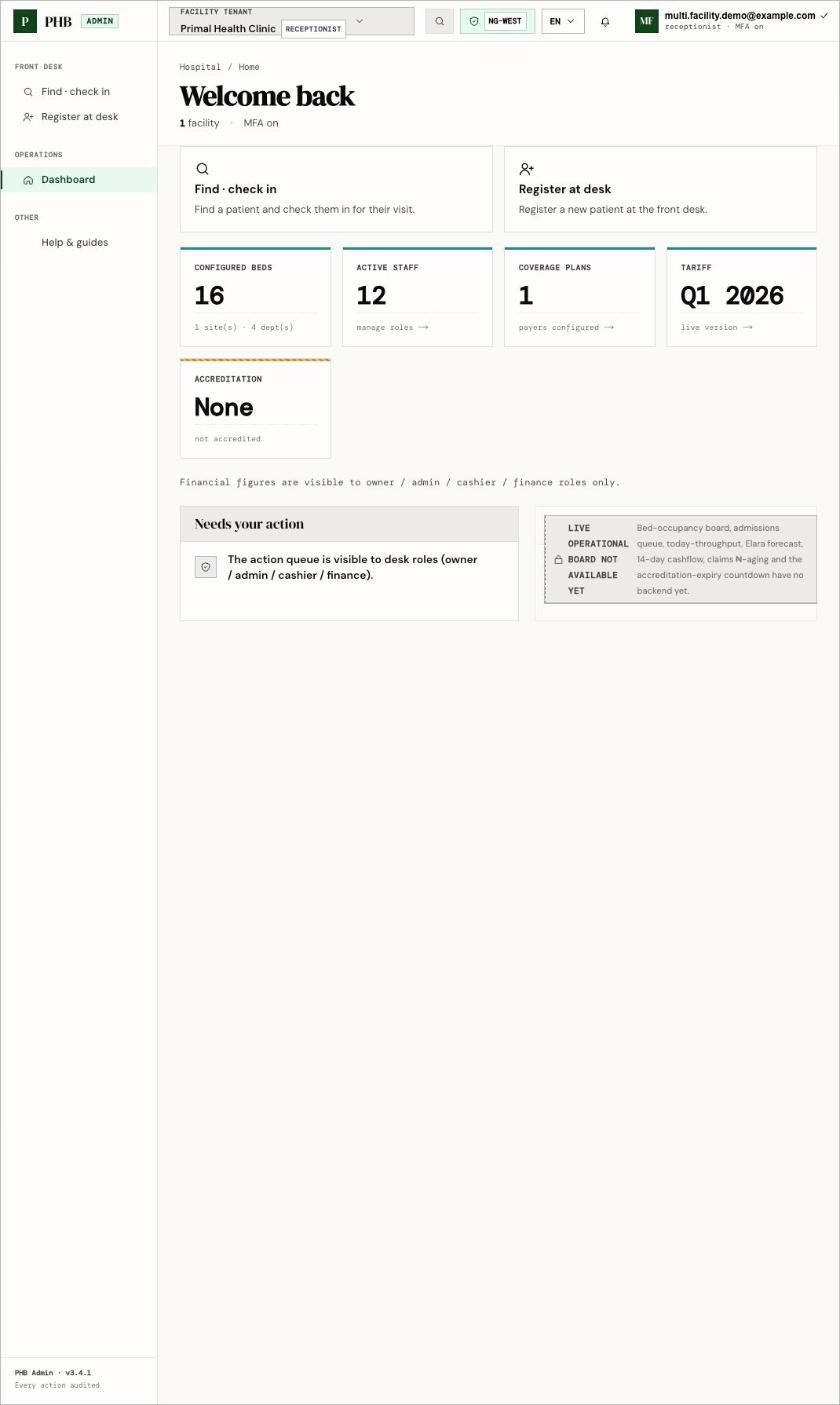
The dashboard for a front desk user (demo account at a demo facility). Money figures are hidden from this role.
Your screen
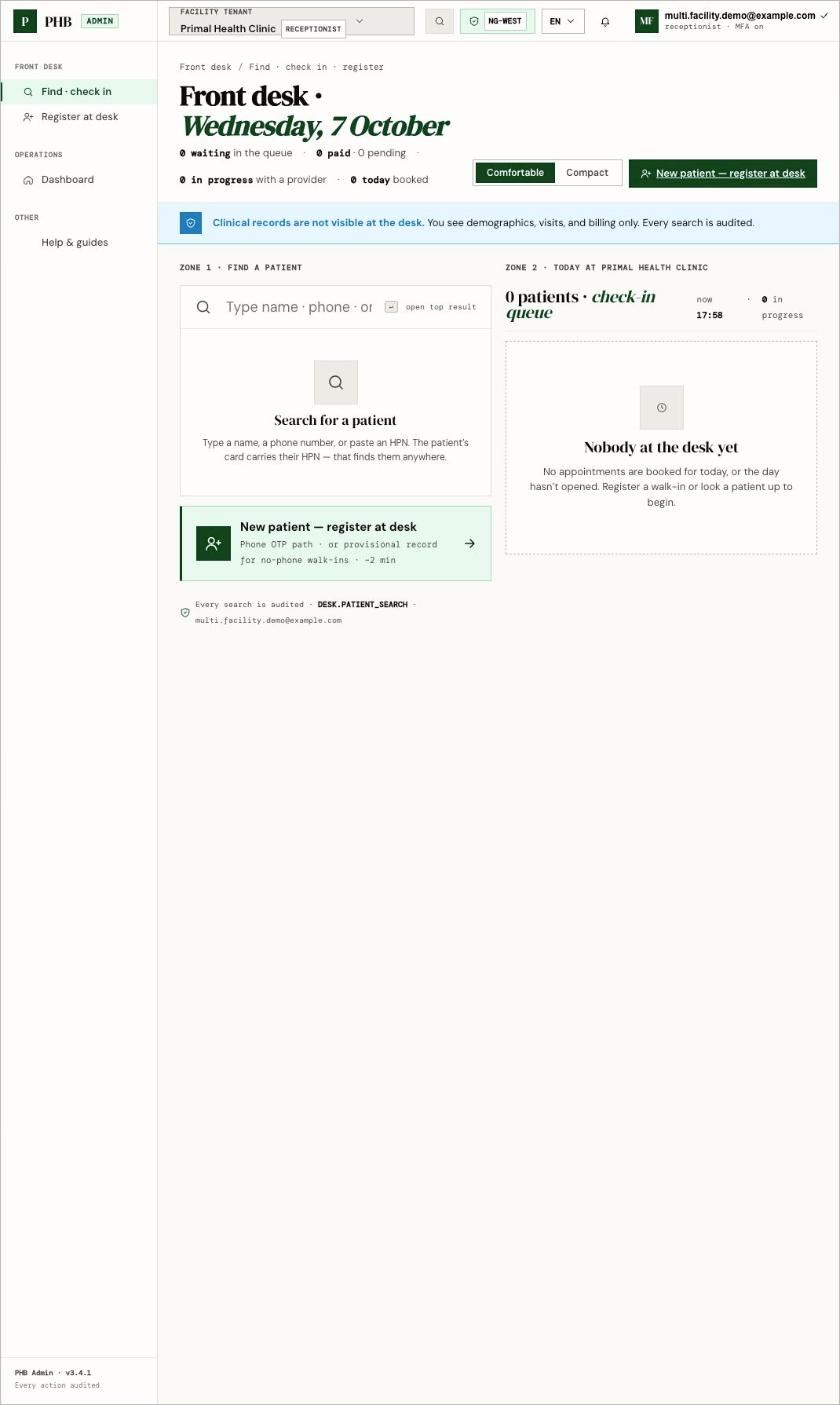
Find · check in at /hospital/desk: search on the left, today's check-in queue on the right (empty here).
/hospital/desk) has two zones:
- Zone 1 · Find a patient: search by name, phone or HPN.
- Today: the check-in queue for your facility.
Clinical records are not visible at the desk. You see names, contact details, visits and billing state. Every search you make is recorded.
What you can do here
Find and check in
Find a patient and check in a booked visit.
Register a patient
Create a new record with a phone code, or a provisional one.
They already have PHB
Find the HPN of a patient who forgot it.
Walk-ins
Start a visit for someone without a booking.
Upgrade a provisional record
Add a phone or verify a NIN later.
Workflows you are part of
When something goes wrong
- Why can’t I…?
- Access denied and missing menus
- Feature status
- In the app, open Help & guides for the desk walk-throughs.