

clinician and has a verified MDCN licence.
Before you start
You need all of these:- An invite from your hospital with the role
clinician. See Accept a staff invite. - Your work email, password and authenticator app.
- A verified MDCN licence. You enter it during onboarding. See Doctor onboarding.
Sign in
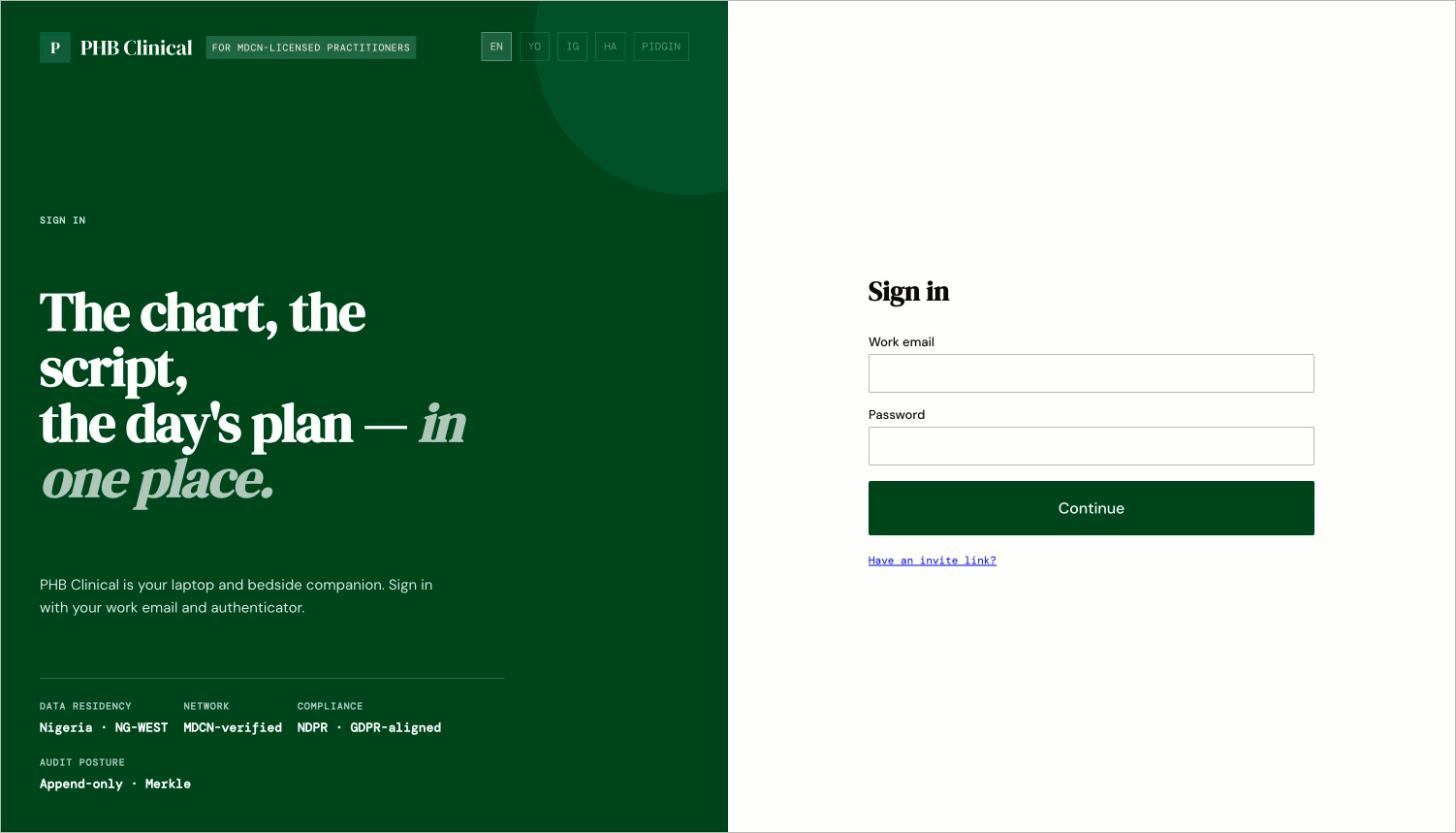
The doctor sign-in page at /clinical/login.
- Go to
/clinical/login. Enter your work email and password, then your authenticator code. - Where you land depends on your status:
Your screen
The left sidebar has Today, Patients, Schedule, Inbox, Encounter, Referrals, Tools, Earnings, Settings and Help & guides. Today’s facility is marked soon. Press ⌘K (Ctrl+K on Windows) and type a full HPN to jump to a patient. The palette also has Switch to My health to see your own record as a patient.What you can do here
Today
Your appointments and unsigned notes.
Find a patient
Look up a patient by HPN.
Getting access to a record
Consent, treatment basis and emergency override.
Encounters and notes
Write, sign and correct notes.
Prescribing
Prescribe with an allergy check.
Lab orders and results
Order tests and release results to patients.
Inbox and refills
Refill requests and lab results to review.
Workflows you are part of
When something goes wrong
- Why can’t I…?
- Feature status
- In the app, open Help & guides for the doctor walk-throughs.