

pharmacist, at a hospital pharmacy or an independent pharmacy on PHB.
Before you start
You need:- An invite with the role
pharmacist. A hospital pharmacy’s pharmacists are invited by the hospital’s owner or admin. An independent pharmacy is set up by PHB after its application. See Independent pharmacy application. - Your work email, password and authenticator app.
- PCN verification. Dispensing requires a PCN-verified pharmacist working at a PCN-verified pharmacy. See PCN verification.
Sign in
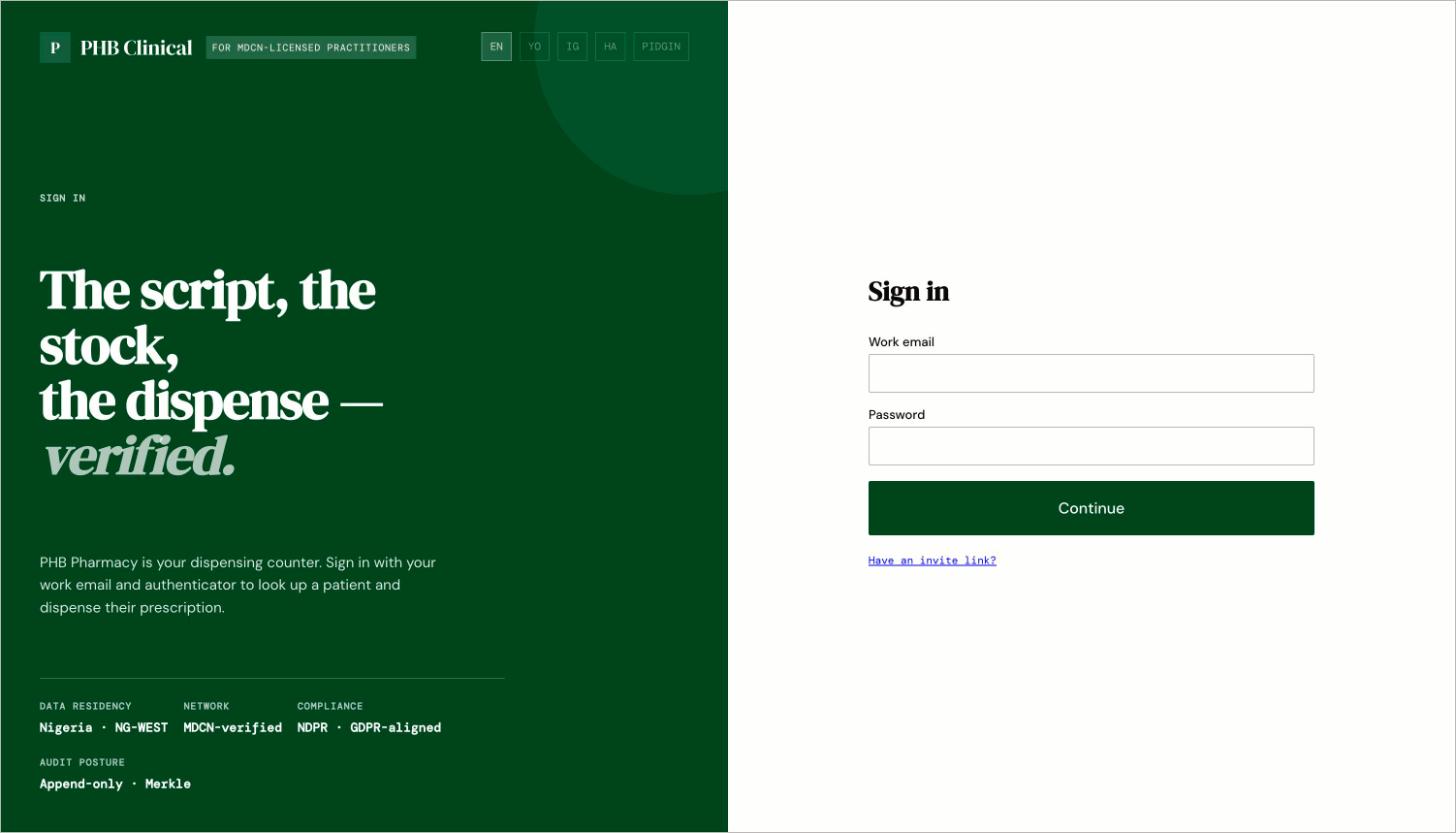
The pharmacy sign-in page at /pharmacy/login. It shares the clinical page header, which reads PHB Clinical.
- Go to
/pharmacy/login. Enter your work email and password, then your authenticator code. - You land on
/pharmacy.
Your screen
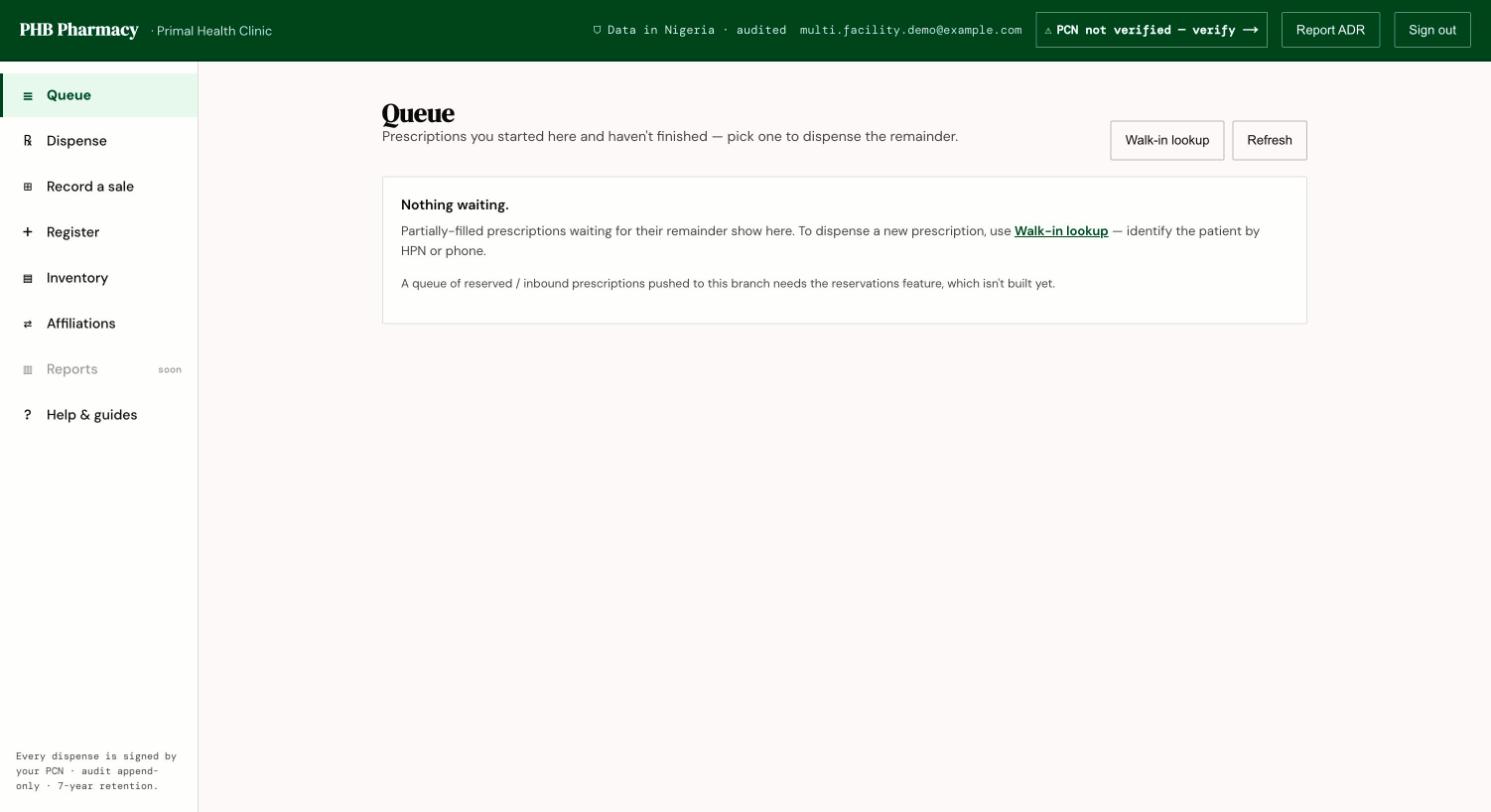
The pharmacy workspace on the Queue tab. The left menu has Queue, Dispense, Record a sale, Register, Inventory and Affiliations.
What you can do here
Dispense a prescription
Find, check, counsel and dispense.
Record a sale
Over-the-counter and outside prescriptions.
Register a patient
Give a patient an HPN at the counter.
PCN verification
Verify your PCN licence.
When something goes wrong
- Why can’t I…?
- Feature status
- In the app, open Help & guides for the pharmacist walk-throughs.