

lab_tech at a lab on PHB.
Before you start
You need:- An invite with the role
lab_tech. - Your work email, password and authenticator app.
- A verified MLSCN licence to release results. Without it you can still receive specimens and draft results. See Lab onboarding.
Sign in
- Go to
/lab/login. Enter your work email and password, then your authenticator code. - You land on Orders (
/lab/orders).
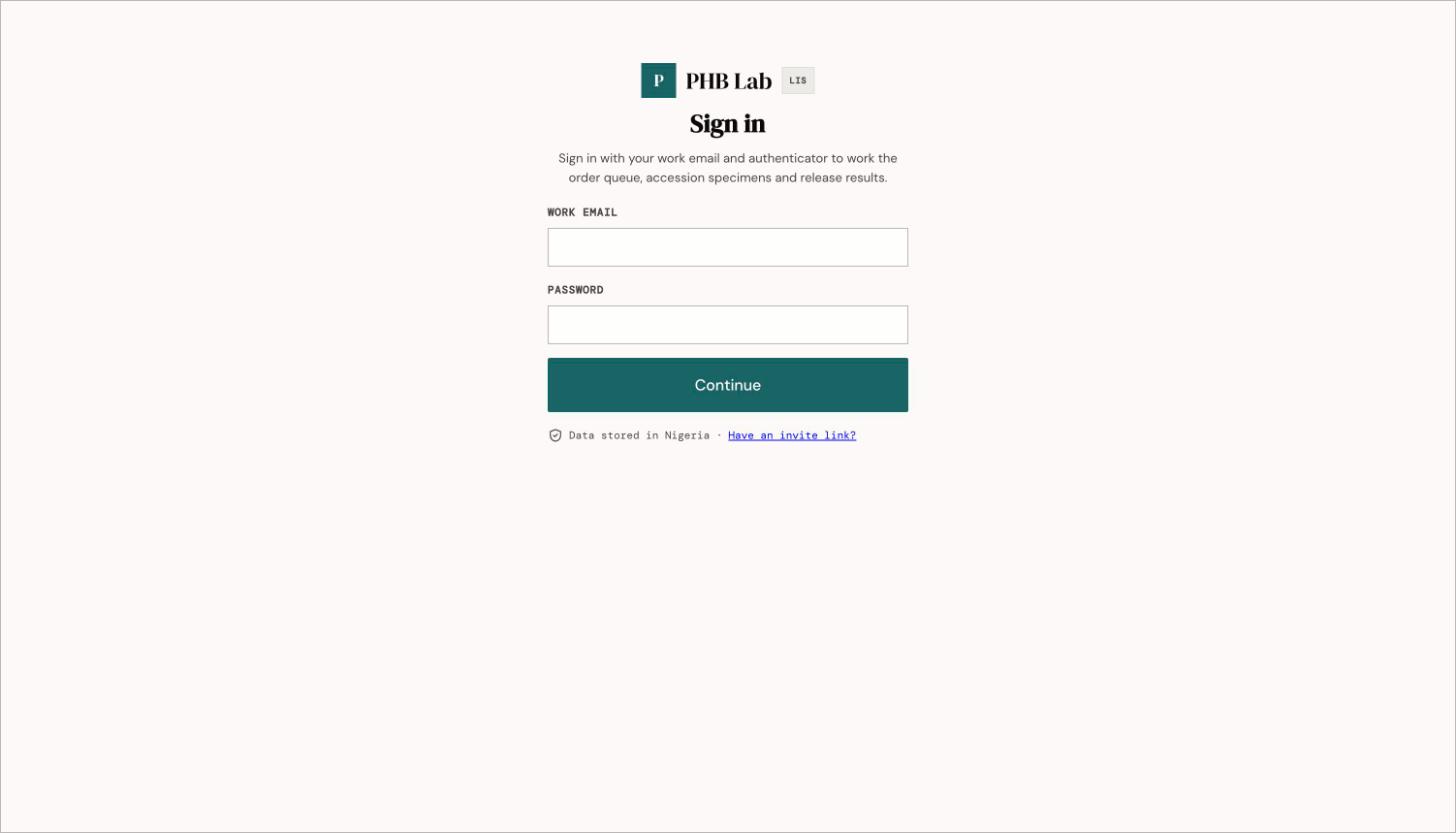
The lab sign-in page at /lab/login.
Your screen
The left sidebar has Orders, Results, Test catalogue, Help & guides and Account. QC · Tools and Reports are coming soon. Until your MLSCN licence is verified, a banner says Verify your MLSCN folio to release results.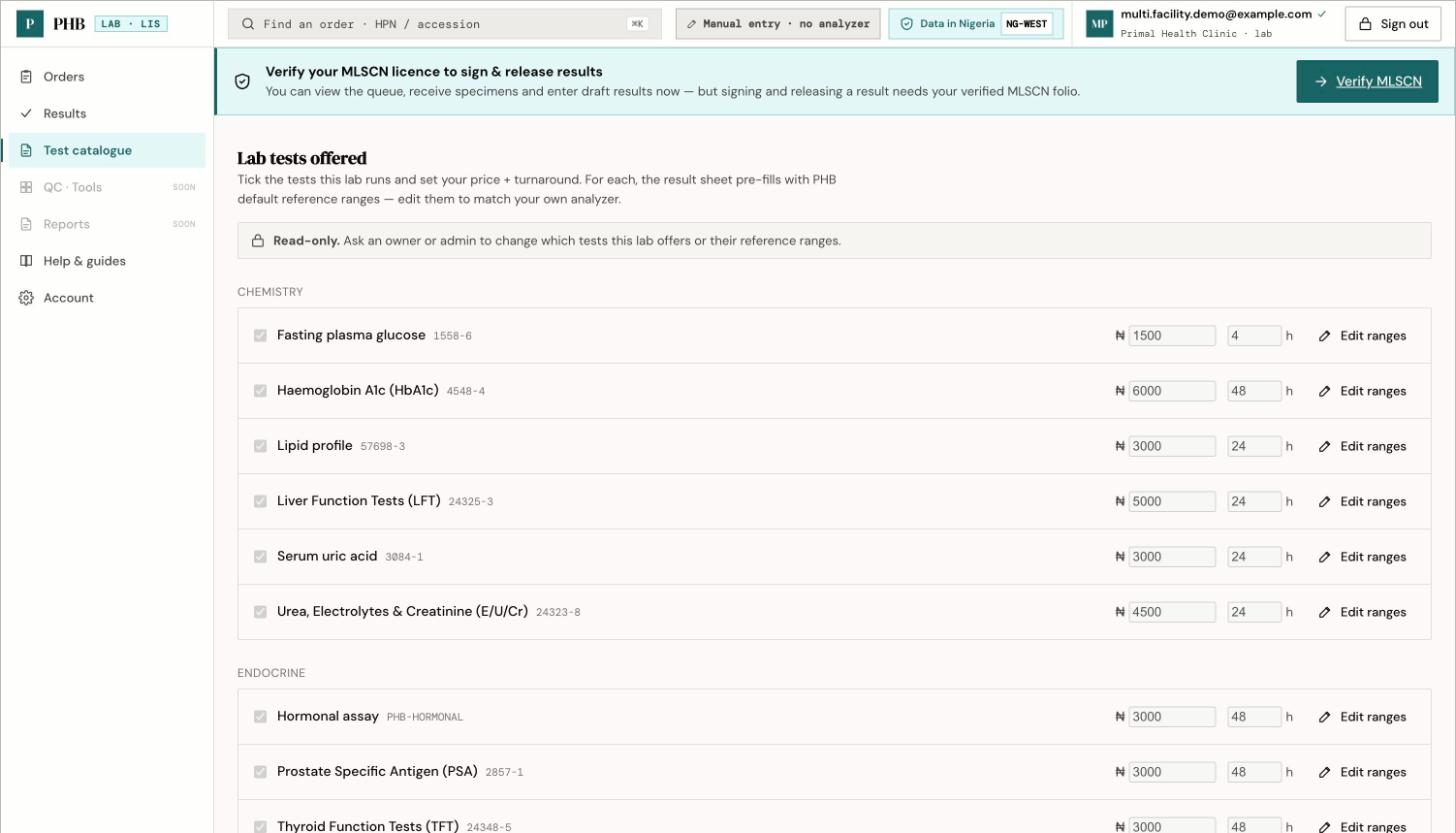
The Test catalogue: the tests your lab offers, with price and turnaround. Read-only unless you are an owner or admin. The banner appears until your MLSCN licence is verified.
What you can do here
Receive specimens
Accept or reject specimens.
Enter and release results
Draft, sign and release results.
Lab onboarding
Verify your MLSCN licence.
Workflows you are part of
When something goes wrong
There are no in-app help guides for the lab yet. If your session times out, go back to
/lab/login yourself. The sign-in prompt may open the patient sign-in page by mistake.