> ## Documentation Index
> Fetch the complete documentation index at: https://docs.phbhealth.com/llms.txt
> Use this file to discover all available pages before exploring further.
# Nurse onboarding
> Verify your NMCN licence so you can record vitals, triage, handover and tasks.
## Before you start
You need:
* The role `nurse` at a facility.
* Your NMCN licence number and its expiry date.
## Steps
Click **Complete onboarding** on the banner, or go to `/nursing/onboarding`.
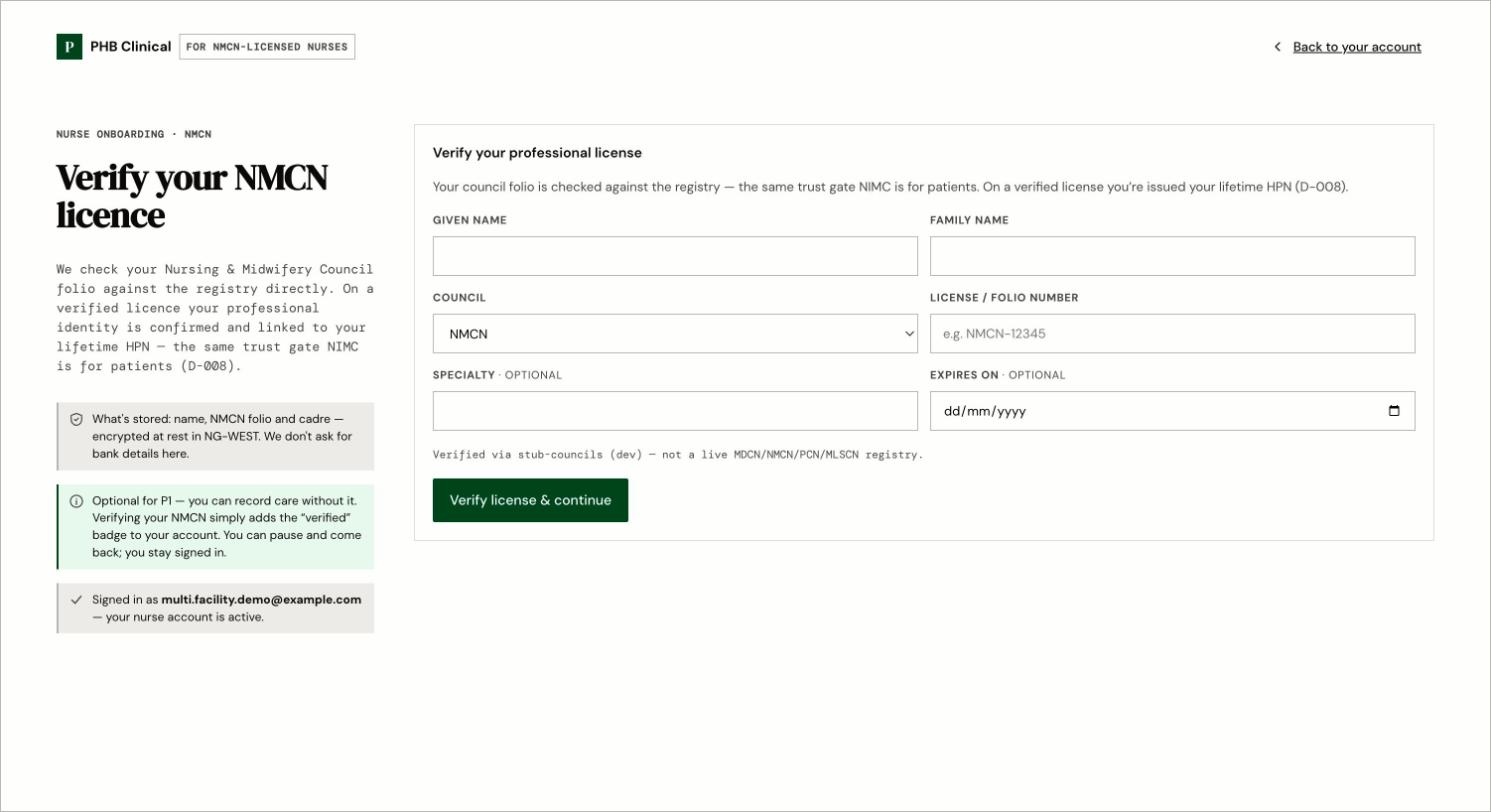
Under **Verify your NMCN licence**, enter your name, licence number and expiry date. Submit it.
PHB checks the council registry. When it passes, the banner goes away and your **Account** page shows your NMCN as verified.
 ## What stays locked until you are verified
* Recording vitals
* Triage
* Handover
* Tasks
You can still see your workspace.
A verified NMCN licence does not let you prescribe. Prescribing needs MDCN.
## Common problems
| What you see | What to do |
| - | - |
| **Sign in first** | Sign in at `/hospital/login`, then come back. |
| **Manual review · in progress** | PHB is checking your licence by hand. Wait for it. |
| **That license number is already registered.** | Contact PHB. |
This documentation is built and hosted on [Mintlify](https://mintlify.com), a developer documentation platform.
## What stays locked until you are verified
* Recording vitals
* Triage
* Handover
* Tasks
You can still see your workspace.
A verified NMCN licence does not let you prescribe. Prescribing needs MDCN.
## Common problems
| What you see | What to do |
| - | - |
| **Sign in first** | Sign in at `/hospital/login`, then come back. |
| **Manual review · in progress** | PHB is checking your licence by hand. Wait for it. |
| **That license number is already registered.** | Contact PHB. |
This documentation is built and hosted on [Mintlify](https://mintlify.com), a developer documentation platform.